




Hotels & hostels. Your room inventory under control
Each room as its own calendar row, selling by room type through the booking engine, and a queue of guests awaiting room assignment.
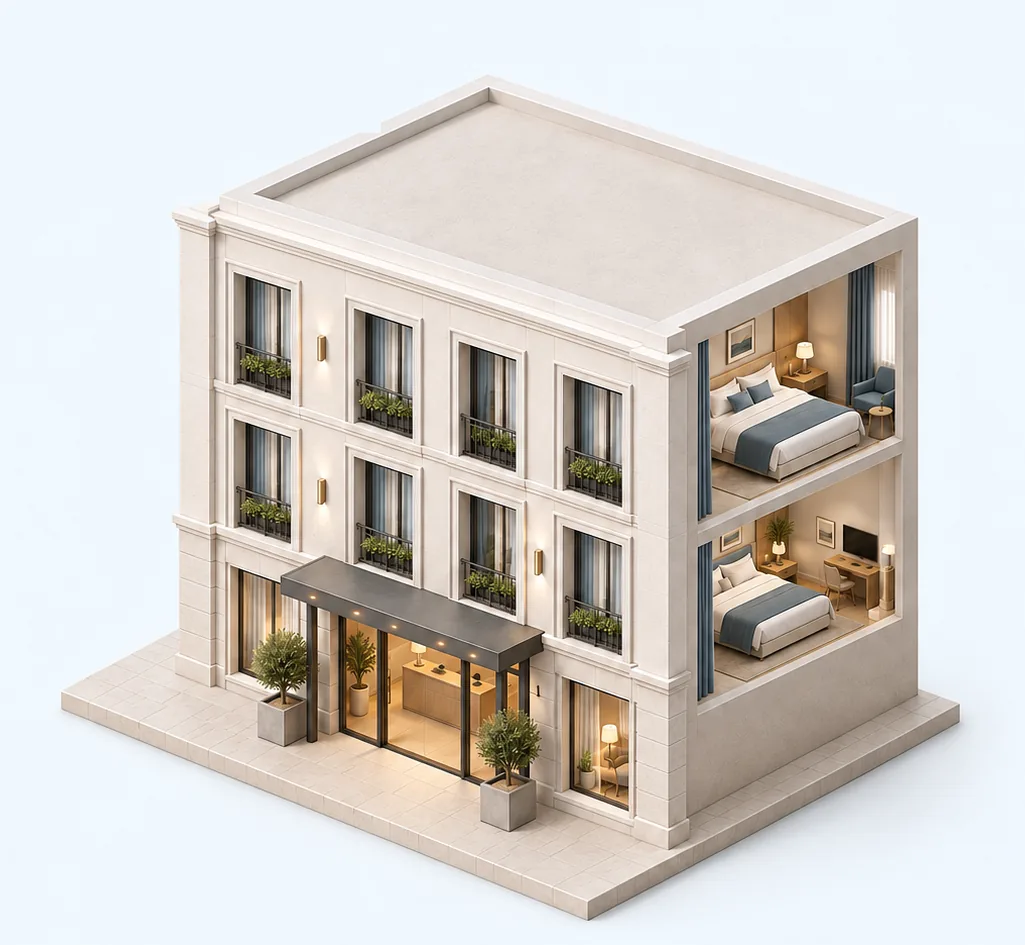
Rooms in the calendar
A hotel groups its rooms in the calendar, and each room is booked individually with its own size, capacity and rate.
Booking calendarUnassigned guests
Bookings without an assigned room wait in a separate list and are allocated to free rooms once the occupancy plan is clear.
Selling by room type
The booking engine on the hotel website shows room types with prices and availability, and the request goes straight to the manager.
Booking engineHotel team
Managers work with their assigned properties, housekeepers get their cleaning tasks, and every booking change is saved with the staff member’s name.
StaffHotels and hostels FAQ
How is room inventory set up?
You create a hotel and add rooms one by one. Each room becomes its own calendar row with its own size, capacity and rate.
Does Glavbook work for a hostel?
Yes, if you sell by room: each room is its own row with its own capacity. Selling individual beds is not supported yet.
How does the booking engine display a hotel?
Guests see room types with the price for the selected dates and the number of rooms available.
How much does it cost?
Glavbook is currently free, with no limits on the number of properties or staff.
Try Glavbook with your properties
Keep occupancy, bookings and your team under control in one system. Free, with no limit on the number of properties.
or download the Android app on RuStore